
Test Your Metadata
Three things to do first

I recently had a client who was adding metadata to all her images so that she could upload them to the big genealogy sites. Uh oh. This strategy doesn’t work. I’ll explain, but first let’s set up a test image.
When testing those four pillars of metadata—read, write, edit, and export—it’s essential to have a test image. One picture with a lot of metadata in different fields, so you can see what happens on the sites you want to use.
This is my test image.
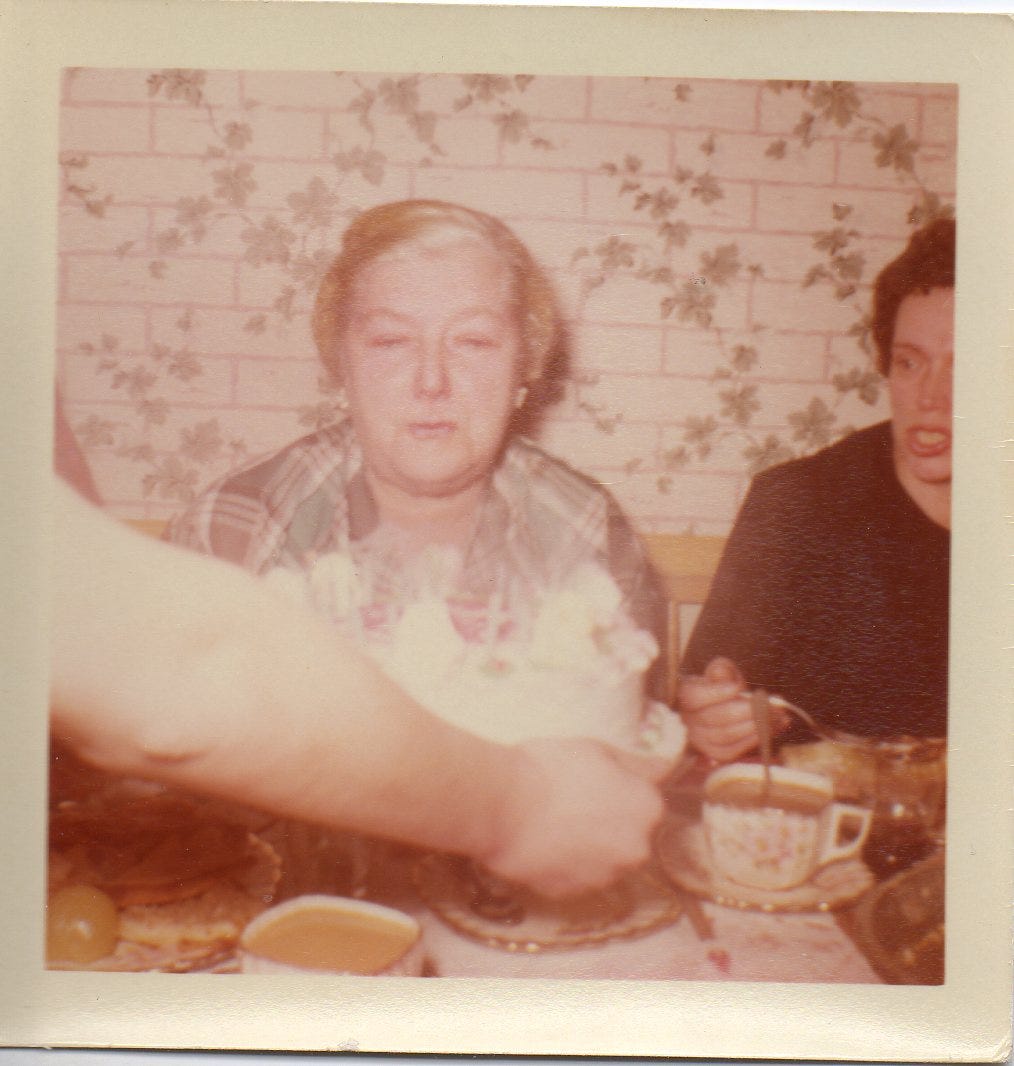
It was my grandmother’s birthday party, and I was there for it. That means I know a lot about the image and can add metadata for it.
Use a program like the free Adobe Bridge and add details to the image. You can download it here. There is a bit of a learning curve. We are using it for this image only at the moment.
You can add metadata using other programs such as Vivid-Pix Restore, Mylio, or Forever.com. For this post, I decided to use Adobe Bridge because no subscription or purchase is necessary.